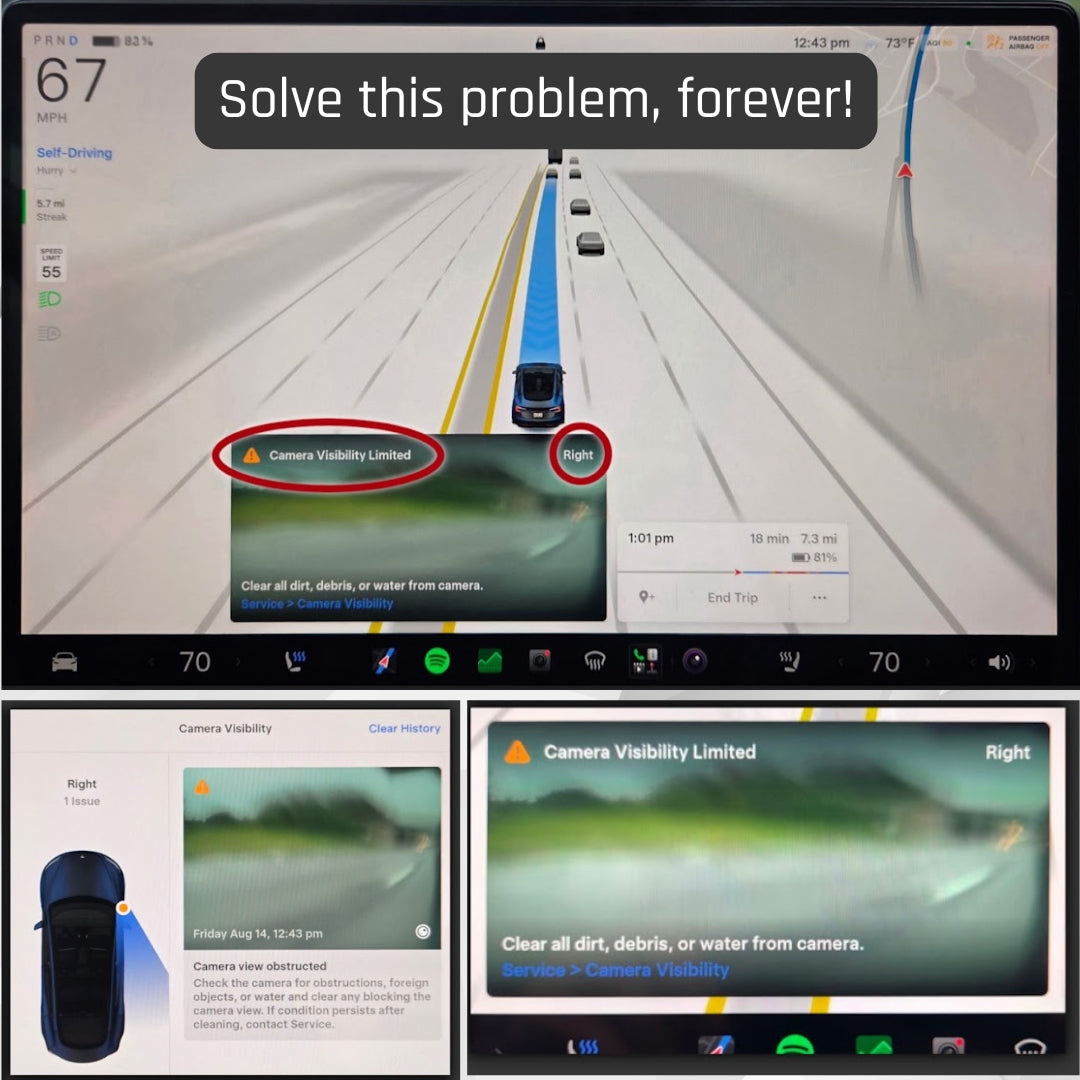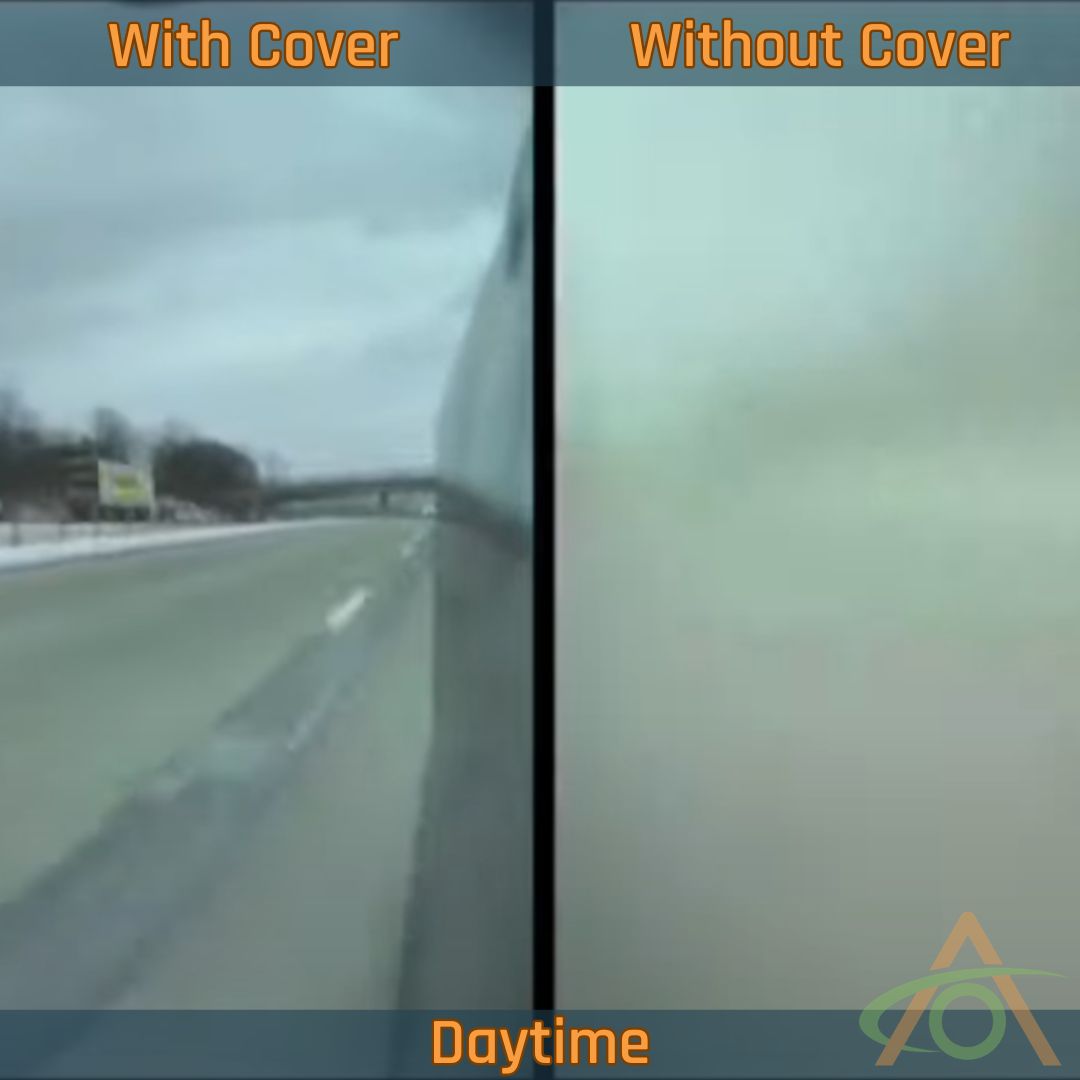


Please refer to the quick installation video below. As always with anything that's stuck to the exterior of the car, we recommend installing when the temperature is between 60-80°f / 16c-27°c. A simple template guide is shown below, together with removal instructions.
Installing the RepeaterShield covers
- The two covers are mirror images; each one is marked left or right on the inside and only fits one way.
- Clean the paint around the repeater camera with one of the supplied alcohol wipes. Let it flash off and dry.
- Take the template for the side you are working on (Leg on Template towards back of car) and peel the backing off its adhesive tabs.
- Position the template so its center pillar sits flat on top of the indicator housing, and the inside of small leg perfectly touches the rear edge of the indicator housing.
- Open the Live Sentry Camera View in the Tesla App for that side so you can check the camera's field of view as you work - leaning phone against tire helps. This is optional, but it makes it easy to see if the cover encroaches on the image. DO NOT USE REAR CAMERA VIEW IN CAR as this view crops the full Repeater View. Turn Signal Image and Camera Preview on Screen is OK.
- Hold the Shield against the front flat edge of the template without removing the backing and check the Repeater live camera view lining up the edges of the top match the flat edge of the front of template. If the cover sits too far toward the rear of the car, it starts to appear in the image as a shadow on the edge of the view. Line it up with the template so it clears the camera's view. YOU CAN REMOVE AND REINSTALL TEMPLATE MULTIPLE TIMES IF NEEDED before removing tape and installing.
- Pull the tab to peel the liner off the VHB tape on the back of the cover.
- Line up its top edge of Shield to template where the 2 points meet or where you verified it would not be seen by camera, then angle it down onto the paint. Don't press the entire cover down at once, or it can stick in the wrong place. FOCUS on aligning Shield to the template as you previously verified the positioning would be correct.
- Tap it into place and double check the Live Sentry View one more time. The cover should not obscure any part of the image.
- Press firmly over the cover for about 20 seconds. The VHB tape is pressure activated, so use real pressure.
- Remove the template.
- Repeat on the other side.
Leave the car unwashed for at least a week so the adhesive can cure. Heavy weather in that period isn't a problem, but avoid it if you can.
Template Do and Don't's