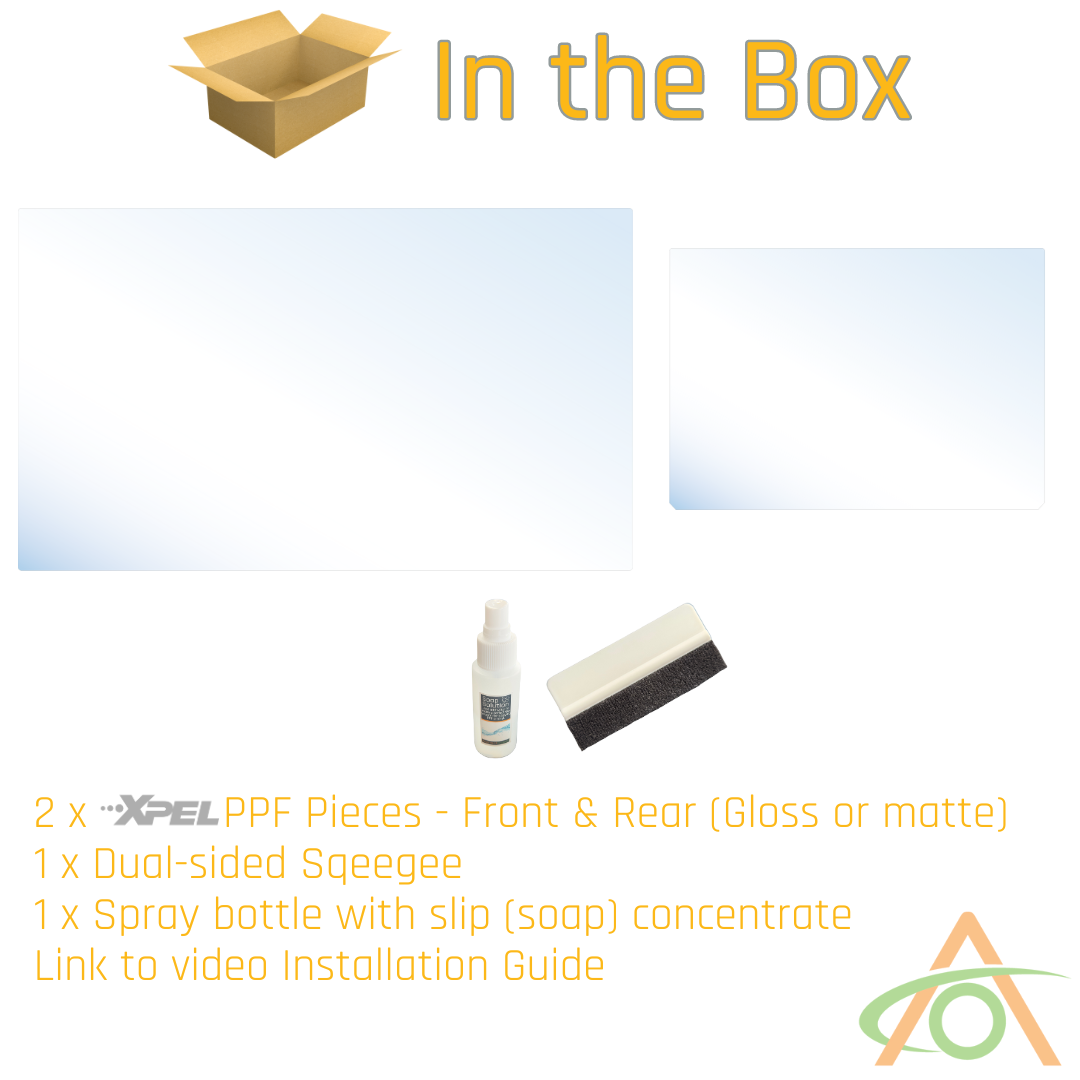


Please watch the video below, and don't forget:
- Be sure to remove all dust
- Turn off the climate control
- Try to install sunlight (so you can spot all of the dust!)
Installing the PPF screen guards
Before you start, mix the soap solution: if the bottle is not already filled, add water to the drop of soap in the bottle and shake. Install in temperate conditions, between 60°F and 80°F (16°C and 27°C), and wash your hands before handling the film.
Front screen
- Park where air movement is minimal and turn the climate control off.
- Go to Settings > Display and turn on Screen Clean Mode.
- Clean the screen with one of the alcohol wipes.
- Lay a towel below the screen to catch drips.
- Spray an even coat of the soap solution over the whole screen.
- Peel the backing off the film, spraying the adhesive side with soap solution as you peel. Peel evenly and do not stretch the film.
- Spray the screen once more, then lay the film onto the screen. The front panel has no top or bottom, so orientation does not matter.
- Slide the film into position. If it will not slide freely, lift an edge and spray more soap solution underneath.
- Squeegee down the middle first to start pushing the solution out, then check and finalize the position before it takes hold.
- Squeegee outward from the center to the edges until the solution and air are worked out.
- Wipe the screen over with a microfiber cloth.
- Shine a flashlight across the screen to find bubbles you cannot otherwise see, and work each one out to the nearest edge.
- Keep squeegeeing even when it looks finished. More solution and air will still come out.
- Press and hold on the screen to exit Screen Clean Mode.
If the screen will not exit Screen Clean Mode, reboot the truck: press and hold both steering wheel buttons while pressing the brake pedal.
Rear screen
- Turn the air off.
- Go to Settings and turn on Screen Clean Mode.
- Clean the screen with an alcohol wipe.
- Spray an even coat of the soap solution over the screen. This also kills static and keeps dust off.
- Peel the backing off the film with clean hands. The rear film has an orientation: the two bottom corners are cut off.
- Lay the film on the screen and let it find its position. It should slip around without sliding off.
- Use a light to check the film is in the right spot. The PPF has a little flex if you need to adjust it.
- Tuck a towel in under the bottom edge of the screen to catch the liquid. Do not bring the towel near the film before it is on the screen, or you will get fluff everywhere.
- Squeegee the solution out. For the clear film, use the fuzzy side of the squeegee to avoid scratching it.
- If the squeegee drags on a clear film, mist the surface lightly to help it glide.
- Check the position again partway through, adjust if needed, then hold the film in place and work out the rest of the liquid.
- Press and hold on the screen to exit Screen Clean Mode, then wipe the screen over.
After installation
- Some moisture stays behind the film on both screens. Give it a day or two to dry off.
- If you see small bubbles in the meantime, try to work them out gently. Do not force them — they will most likely evaporate.
- Scratches in the clear film are self-healing. A hair dryer or a heat gun on a low setting will remove them.