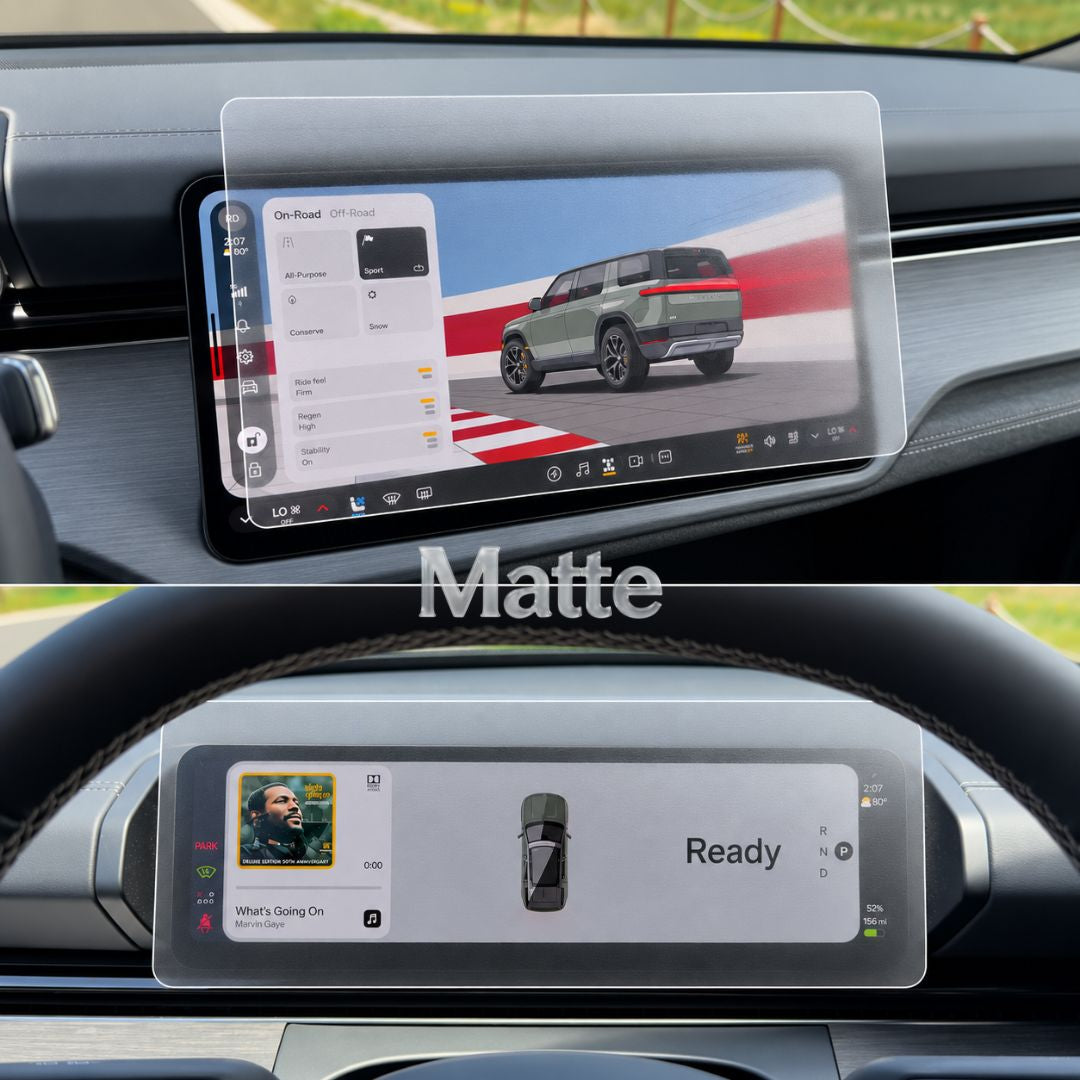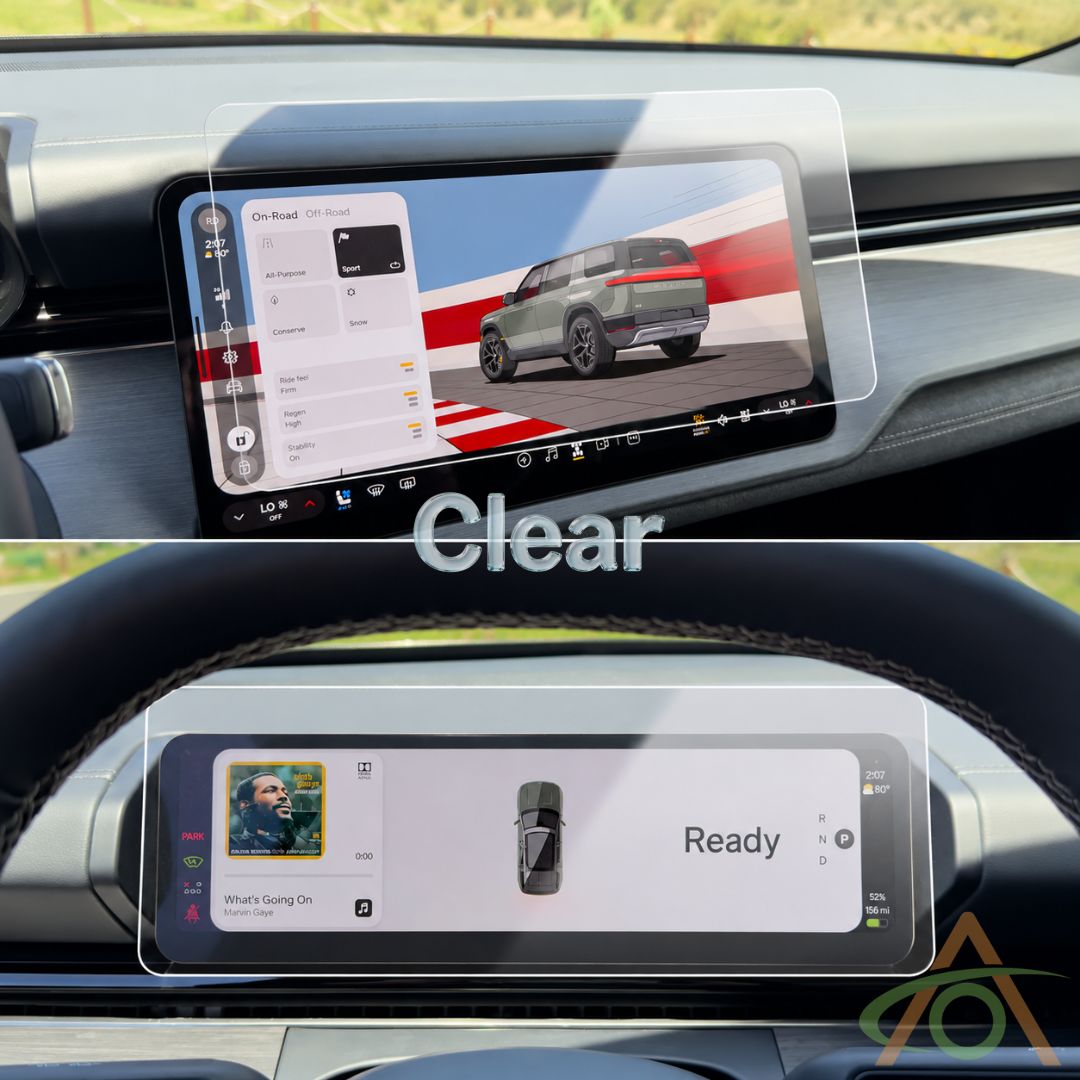


This kit has two protectors: one for the center screen, one for the driver display. Both go on exactly the same way. Start with the center screen, working from the passenger seat — you get a squarer view of the glass from there.

Before you start
Park outside in the sun, and turn the climate control off.
This is the single most useful thing you can do. Sunlight shows up dust you would otherwise never see, and still air stops new dust landing on the glass while you work. Almost every trapped bubble starts as a speck of dust.
Then put the screen into cleaning mode — Settings → Displays → Start Cleaning — so it ignores your touch while you work.
Allow about five minutes per protector. There is no hurry, and rushing is what causes bubbles.
1. Clean the screen

Use the wet wipe first. It lifts dust and takes the static out of the glass, which is what stops dust drifting straight back on.
Then the microfiber cloth, with slow deliberate strokes, until the screen is completely clean. If it drops out of cleaning mode as you go, fold the cloth over and carry on.
Last, lift anything still sitting on the glass with the Dust Grabber stickers. Dab them straight down and lift straight off — do not drag them, or they leave adhesive behind.
2. Peel the backing

Hold the protector upright and peel the backing sheet away using the small tab. Set the backing aside.
From here on, try not to touch the adhesive face, and keep your movements slow.
3. Position it, then swipe

Hold the two application ears and lower the protector onto the screen. Nothing is committed yet: lift it off and reposition as many times as you like until it sits exactly right.
When you are happy, swipe one finger down the center. The protector takes itself down from the middle outwards.
4. Check your work
- A plain air bubble — lift the nearest corner, lower it back down, and press gently with the microfiber cloth as it goes.
- A bubble with dust in it — same again, but lift the speck out with a Dust Grabber first. Dab, don't drag.
- Nothing at all — you are done. Move on to the driver display and repeat.
If the touchscreen behaves oddly afterwards
Occasionally the center screen gets confused by the new layer and needs to recalibrate. Nothing is broken. With the R2 in Park, hold both Haptic Halo Wheels outwards for about ten seconds until the screens go dark, and let it restart.
Looking after it
A microfiber cloth and a light cleaning solution is all it needs. Ours is the All-In-One Screen Cleaner.
These are covered by our Line of Duty guarantee: if the protector breaks, we replace it, for as long as you own the car.
Stuck on anything? Our help center has the rest of our guides, and you can reach a real person from there.