



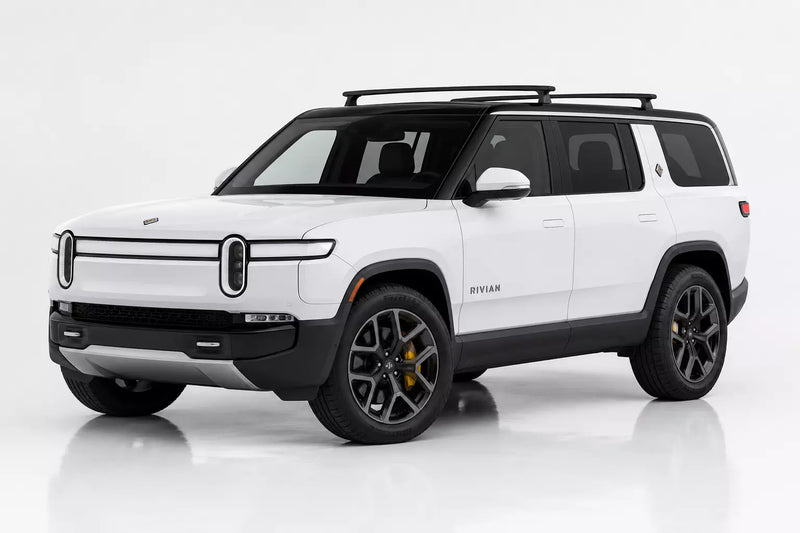
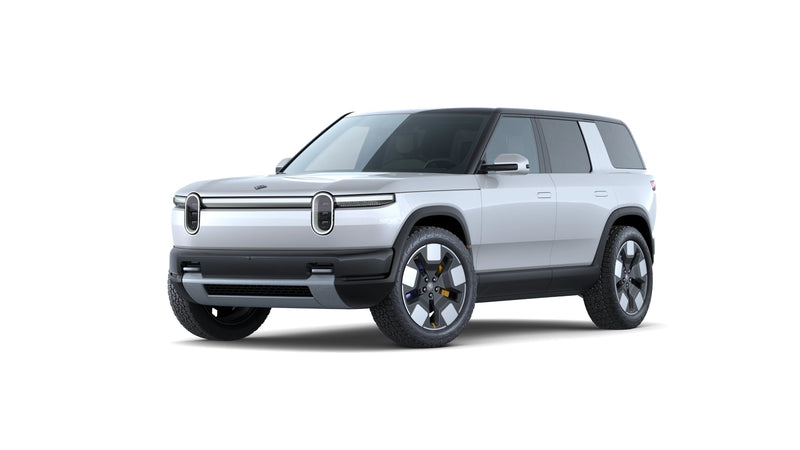
Model Y delivery checklist
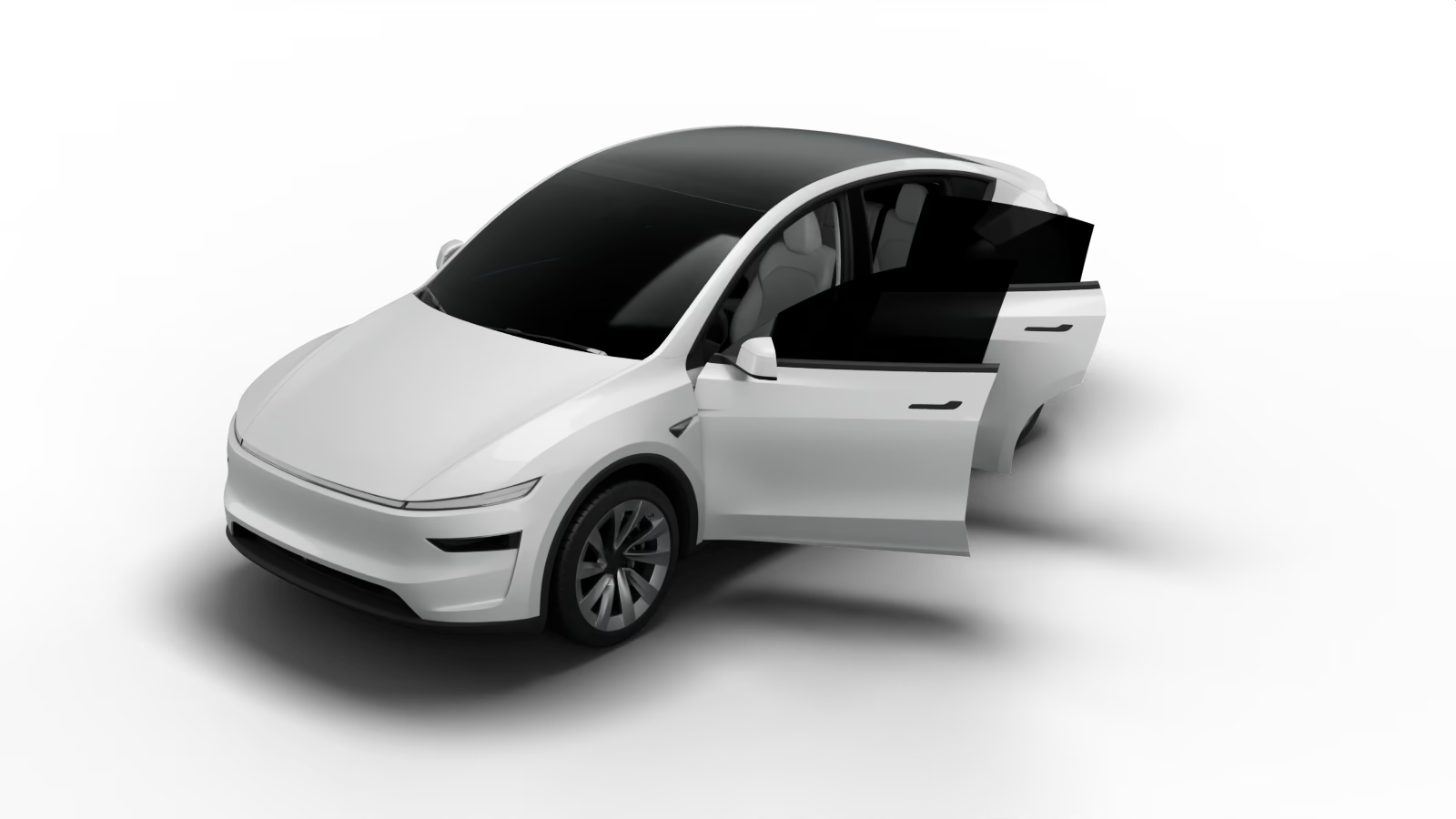
For the refreshed Model Y (2026 model year on, aka Juniper) in Standard, Premium and Performance trim, plus the six-seat Model Y L. The full list has 96 checks across four stages: before you go, at delivery, the first 24 hours and the first week. The quick check covers the 31 that matter most. Open the Model Y checklist.
What Model Y owners report most at delivery
From the threads started since January 2025 in Tesla Motors Club's Model Y forums:
- Rattles and creaks. A low-speed knock from the front suspension over rough roads has the biggest thread of all, running since April 2025. You won't hear it in the delivery bay, so listen for it on the drive home.
- Paint. Several 2026 buyers declined delivery over overspray and craters on the rear quarters and door jambs. Others found touch-up hiding a defect at the first wash.
- Glass. Optical distortion in the windshield and side glass, and loose dust seals around the roof glass.
- Panel gaps. Doors, A-pillars and headlights, and the ambient light strip not lining up from dash to door.
- Lamp condensation. Droplets inside the front light bar after a wash; one owner had fogged lamps front and rear replaced free.
Model Y checks people miss
- On Premium and Performance, the second-row seats fold and rise from every control: the switch on the seat, both touchscreens and the switch in the trunk.
- The reverse lights work. A 2025 recall covered a wiring fault that left them dark.
- The power liftgate opens from the touchscreen, the app and the switch under the outside handle, and closes from the button on its underside.
- The Standard trim has no light bars, no rear screen and no tire pressures on screen. That is the trim, not a fault.
What comes with a new Model Y
Every Model Y should come with the Mobile Connector and its plug adapter (in the sub-trunk under the trunk floor), a J1772 adapter, two key cards and a USB drive in the glovebox's USB-A port. The key fob, the tire repair kit and the all-weather liners are paid accessories, so don't expect them unless you ordered them. Shopping for yours? See our Model Y accessories.
Model 3 delivery checklist
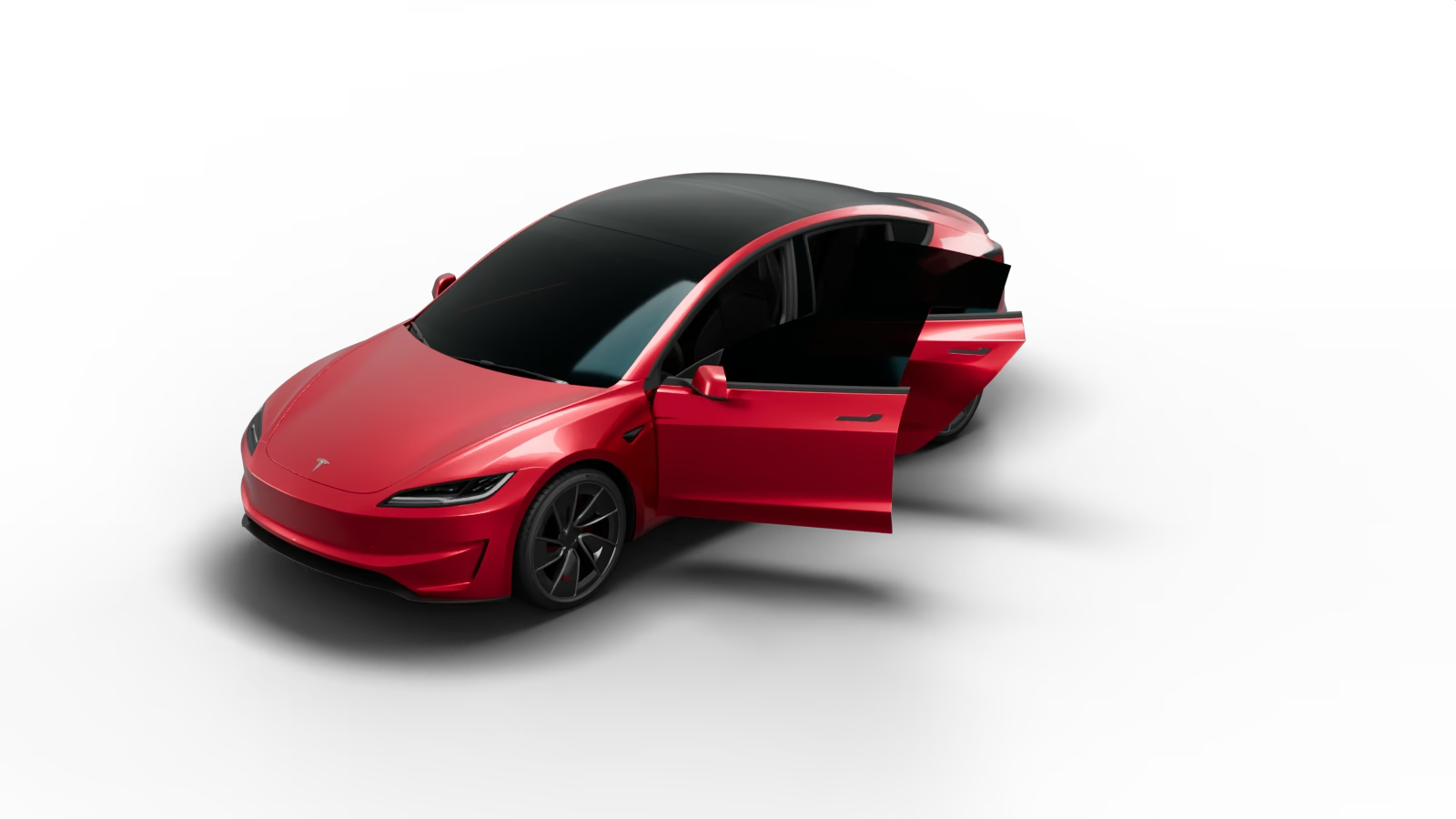
For the refreshed Model 3 (2024 model year on, sometimes called Highland) in Standard, Premium and Performance trim. 82 checks in the full list, 30 in the quick check. Open the Model 3 checklist.
What Model 3 owners report most at delivery
- Dash rattle. A buzz traced to the LED strip along the bottom of the windshield, or to the wireless charger's plug.
- Rear creaks. A creak from the rear seat area when pulling away and stopping, usually the rear suspension bushings.
- Ambient light strips. Cracks in the door strips, and strips out of line from dash to door when a door sits wrong.
- Trunk. Water in the trunk lid and a flooded tail light after the first rain.
- Paint. Chips hidden with touch-up, flaking on the rockers of some 2025 Fremont cars, and scratched bumpers.
Model 3 checks people miss
- Trunk lid gaps even, and the tail lights (split between body and lid) flush and lined up.
- The ambient light strip lights evenly and isn't cracked.
- 2026 model year cars have a turn signal stalk and a front bumper camera. 2024 and 2025 cars have neither.
- No wind noise, rattles or squeaks on the drive home.
What comes with a new Model 3
The Mobile Connector, a J1772 adapter, two key cards and a USB drive in the glovebox. Floor mats are less certain than on the Model Y: owners report basic carpet mats on the Premium AWD and Performance, and none on the Standard. Check yours against your order. Browse Model 3 accessories.
Cybertruck delivery checklist
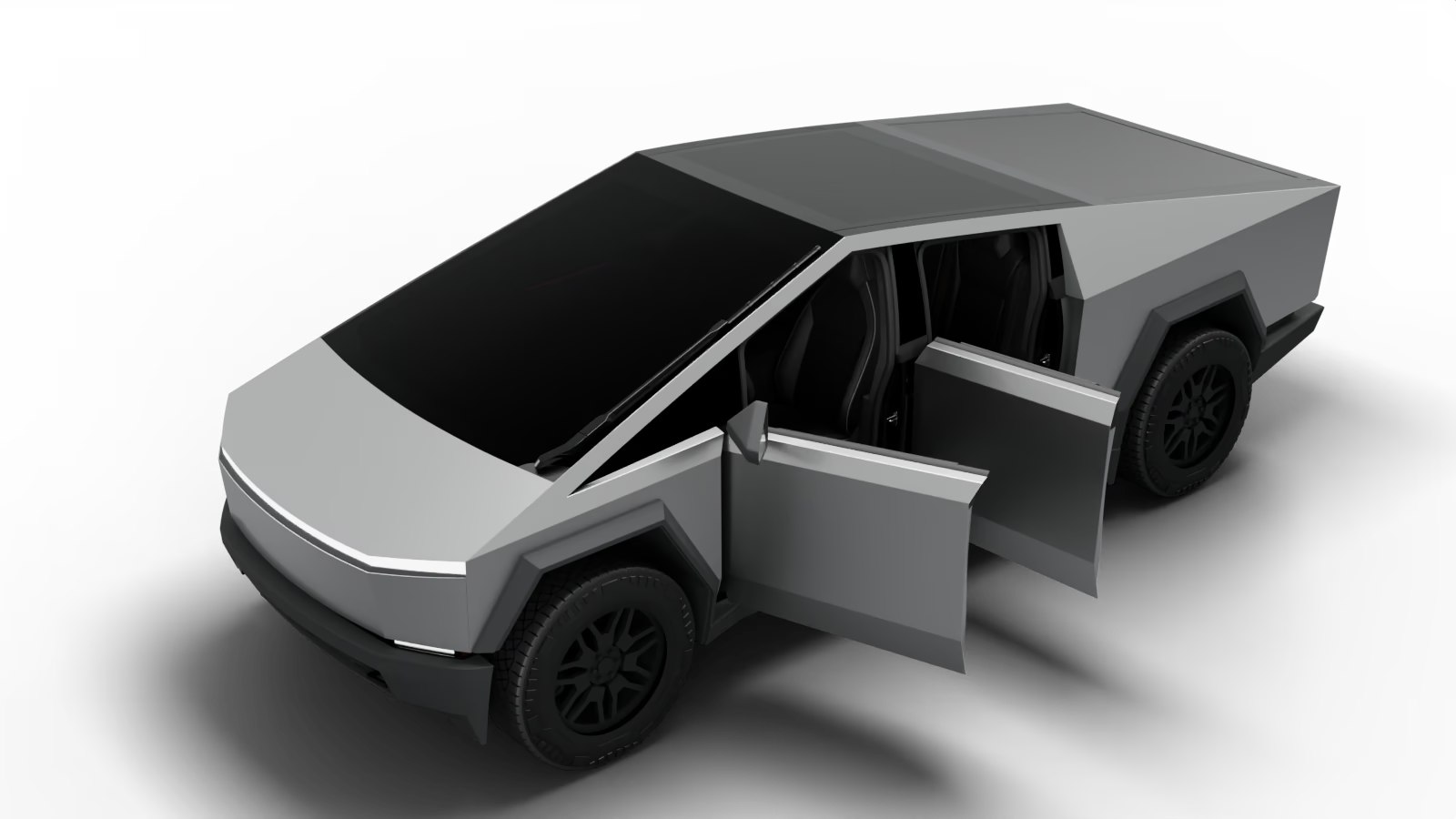
For every Cybertruck: Dual Motor AWD, Premium AWD, Cyberbeast, the Foundation Series and the 2025 Rear-Wheel Drive. 86 checks in the full list, 29 in the quick check. Open the Cybertruck checklist.
What Cybertruck owners report most at delivery
From 75 delivery threads (1,407 posts) on the Cybertruck Owners Club, November 2020 to September 2026:
- Marks in the stainless. Scratches, gouges, tool marks and sanding swirls, by far the most reported. Sanding a mark out can discolor the panel; one owner needed three attempts and then a new panel.
- Panel gaps. The frunk lid, doors, tailgate and light bar.
- Windshield and wiper. Chips, cracks and, on some 2026 Cyberbeasts, optical distortion. Check the wiper clears the whole glass and parks properly.
- Tonneau. Not closing fully, a Calibrate prompt, a missing slat or seal, a gap at the front.
- Loose trim. The cant rails over the doors, the sail appliques and the tailgate applique. Two recalls have covered bed trim and cant rails.
- Orange specks. Rail dust on the stainless. Tesla's manual calls it surface contamination, not rust.
Why the delivery-day record matters more on a Cybertruck
Tesla's Cybertruck warranty treats changes to the metal's look and stone chips in the glass as normal wear. A mark you find a month later is hard to claim. One owner got a missing tonneau seal fitted free only because a delivery-day photo showed it was never there. Photograph every panel before you accept the truck, then read our guide to caring for the stainless before the first wash.
What comes with a new Cybertruck
The Mobile Connector (usually in the gear locker under the bed, not the frunk), two key cards and a USB drive in the glovebox. Tesla includes no outlet adapters, and the all-weather liners and the air compressor kit are paid accessories. See our Cybertruck accessories.
How long you have to report problems (the due bill)
Tesla publishes no deadline for reporting delivery damage. What owners are told varies by Service Center and by year: 24 hours, 3 days, 7 days, often with "or 100 miles" added. One advisor told a Cybertruck owner the 100-mile figure isn't a formal limit at all.
So ask your advisor at handover how long you have, and write down the answer and their name. Whatever they say, report everything in the Tesla app within 24 hours, with photos. Anything found at delivery that Tesla agrees to fix should be written on the due bill before you drive away. The checklist can remind you before your 24 hours are up.
Before you go
- Check your VIN for open recalls on NHTSA's site and in the Tesla app, and ask the advisor to confirm recall work is done.
- Plan to inspect in daylight, and record a slow walk-around video before you sign anything.
- Bring a flashlight, a microfiber cloth, a USB-C cable and your phone with the Tesla app signed in, plus your license, insurance and any trade-in with its keys.
- Decide what you wouldn't accept. You can decline a car with serious paint or panel faults and wait for another, and it's easier to decide that at home than in the delivery bay.
- Open the checklist once with signal, so it's saved on your phone.
After you drive away
Wash the car in the first 24 hours and look again in daylight. A wash shows defects in the paint and alignment that a dusty delivery-bay car hides. Then listen on the drive home for wind noise, rattles and creaks, and report anything new in the app with photos.


